Creating a new account in the IncluMusic elearning platform
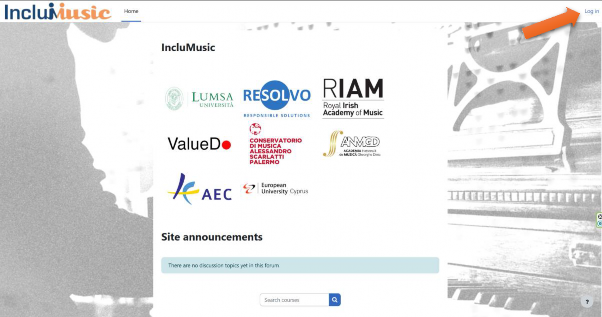
- Go to the IncluMusic elearning platform (https://elearn.inclumusic.eu/)
- Click on Log in at the top right of the webpage
-
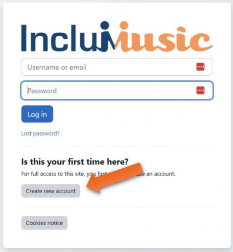
Click on Create New Account
-
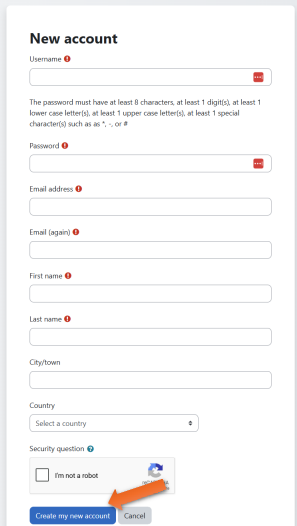
Fill in the information and click on Create New Account.
-
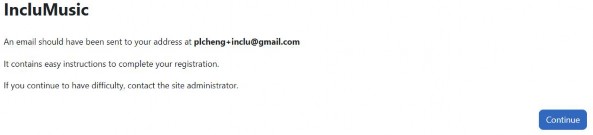
A message should appear saying that an email was sent to the email address you specified